Android home-screen widget

Connect your Bluetooth audio in one tap.

Skip the settings menu. Put a widget on your home screen for every paired speaker, headset or pair of earbuds — tap to connect, watch the live battery, and jump straight into your music.
Free on Google Play A2DP · HFP / HSP profiles Android 6.0+
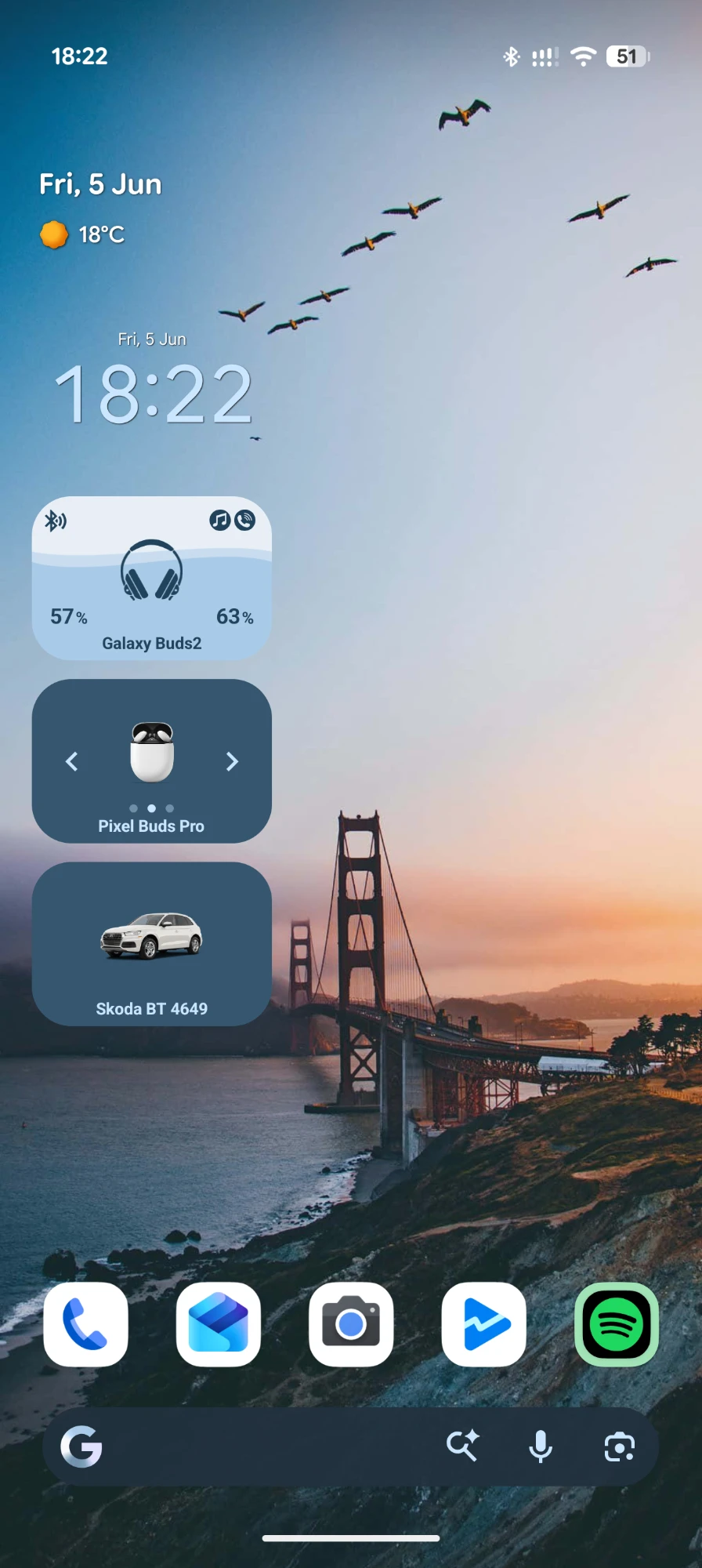
Android home screen with Bluetooth Audio Connect Widget widgets for Galaxy Buds2 showing 57% and 63% battery, Pixel Buds Pro, and a Skoda car audio device.
8.5M Downloads
32.3K Reviews

As shown on the Google Play listing

Features

Everything your Bluetooth audio needs, on the home screen

A focused toolkit for the devices you actually use — no account needed, no setup beyond pairing, just a tap away on your home screen.

One-tap connect

Connect or disconnect a paired device straight from the widget — no digging through the system Bluetooth settings.

Live battery levels

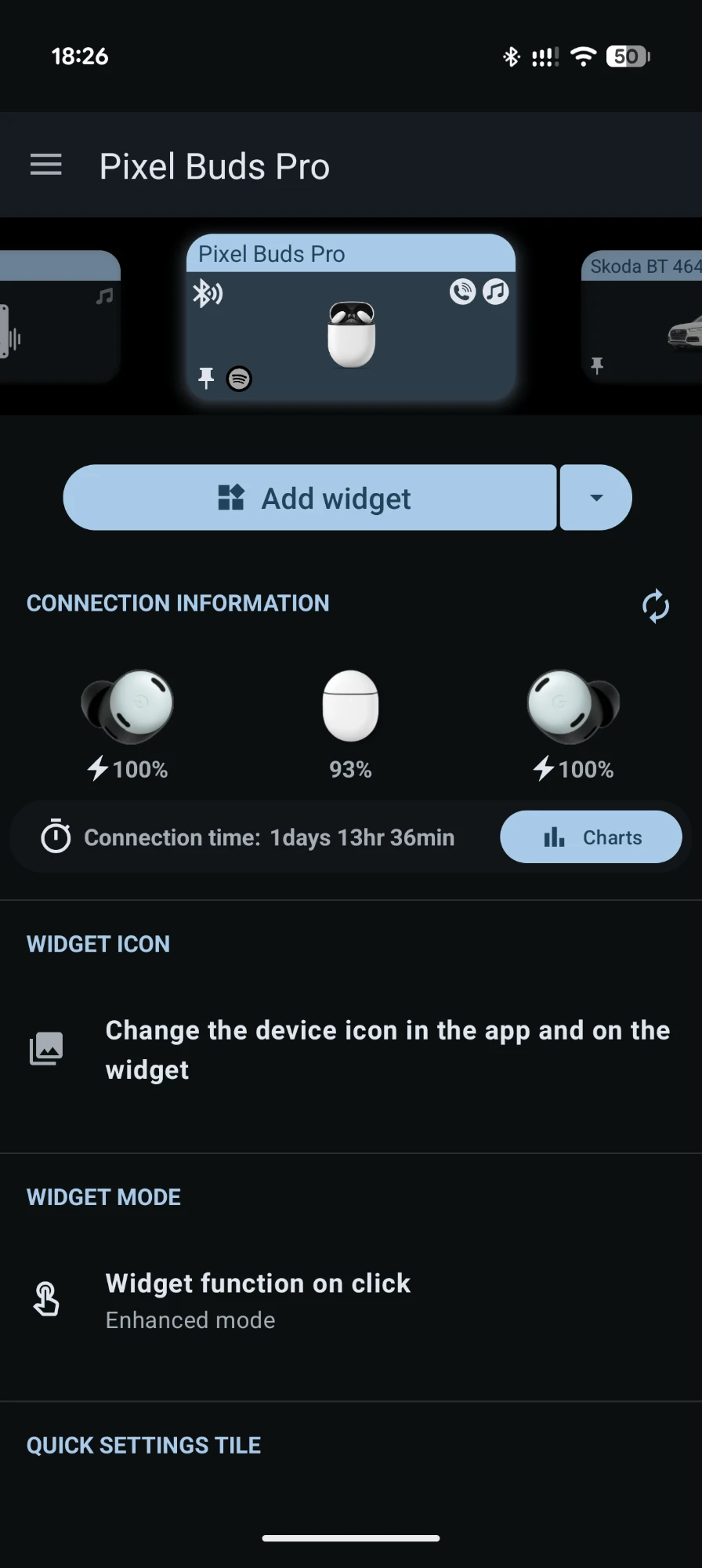
See battery right on the widget — including separate left, right and case readings for supported AirPods, Pixel Buds and Galaxy Buds.

A widget per device

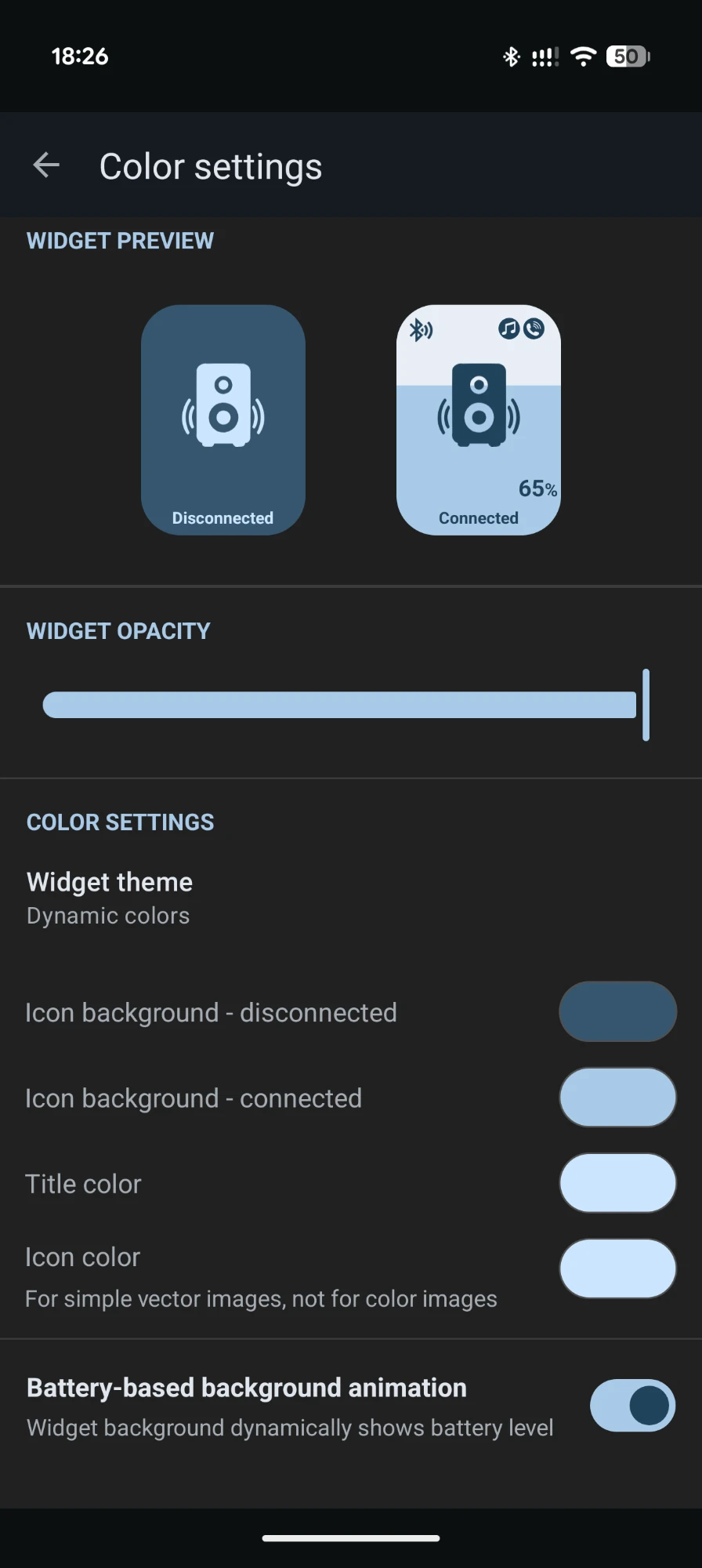
Add a dedicated widget for each device, with a custom image or icon and a background that fills to show the battery level.

Auto-open your music

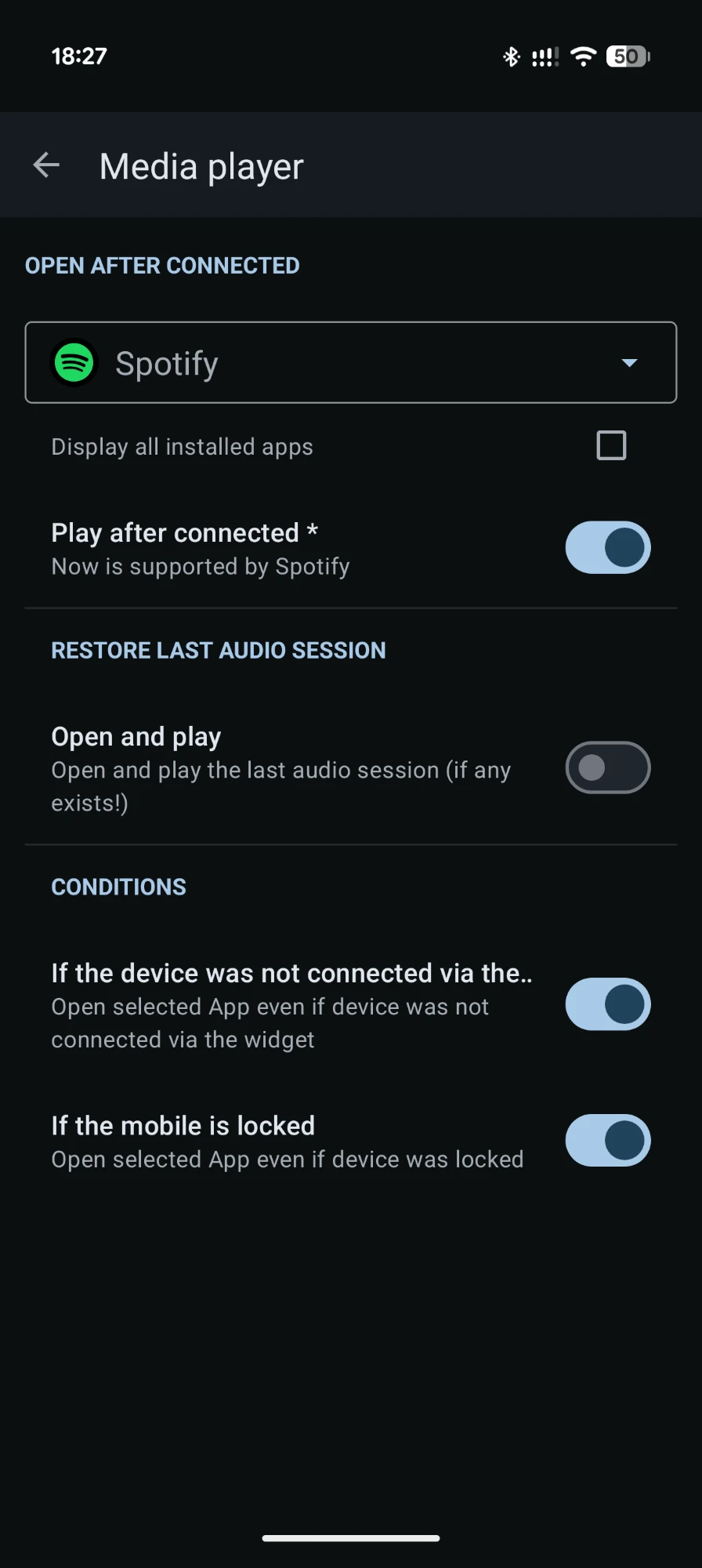
Launch Spotify or any app the moment a device connects — and optionally start playback, even while the phone is locked.

Per-device volume memory

Save a preferred media and call volume for each device and restore it automatically on reconnect — quiet earbuds, loud car, handled.

Connection stats & history

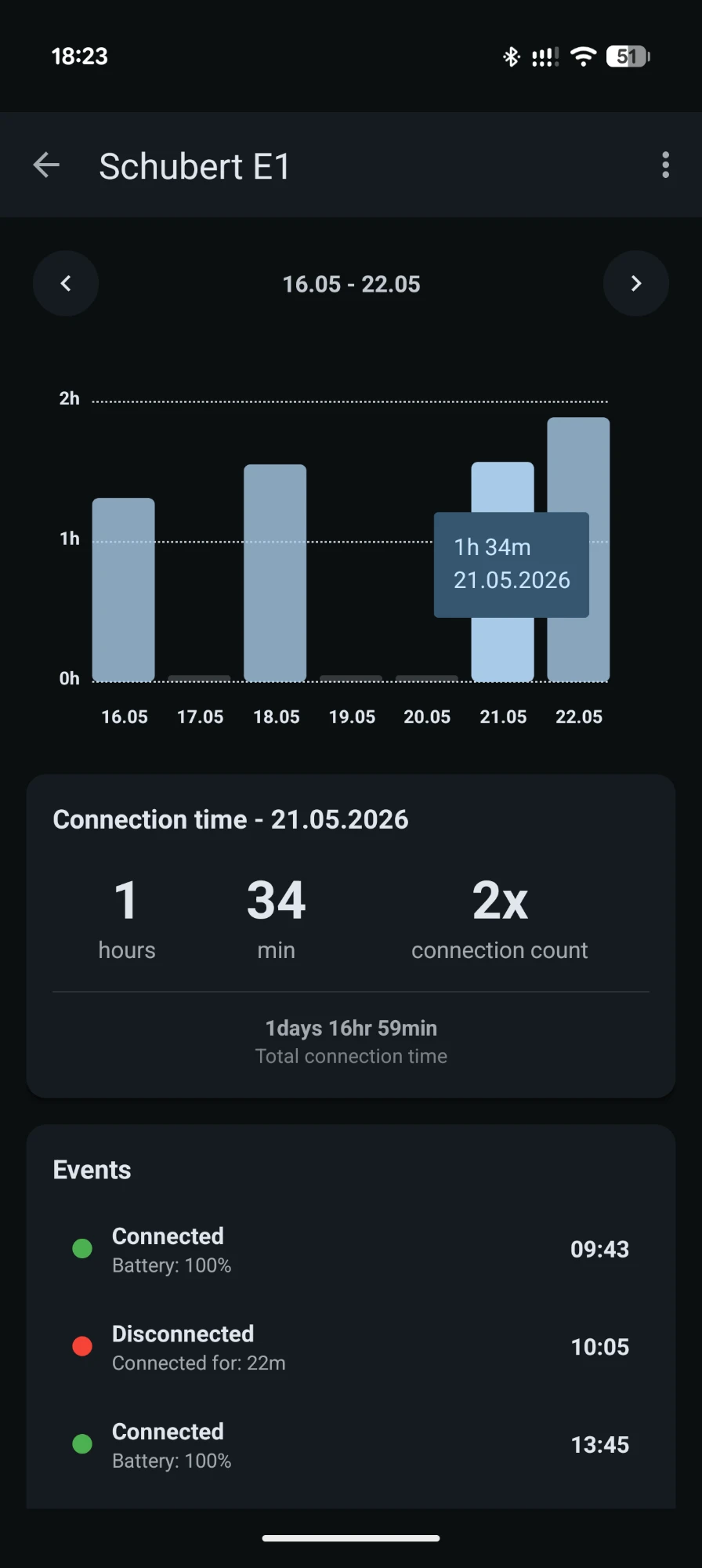
Track daily connection time, connection count and a full event log per device, with charts going back across the week.

How it works

From pairing to playing in four steps

Pair once

Pair your headphones or speaker in Android's Bluetooth settings, as usual. The app works with devices you've already paired.

Add the widget

Long-press your home screen, choose Bluetooth Audio Connect Widget, and place a widget for the device you want quick access to.

Tap to connect

One tap connects the device. The widget turns to its connected style and the background fills to show the battery.

Play instantly

Your chosen app opens automatically and your saved volume is restored. Audio starts without another touch.


Compatibility

What's supported

Built around the standard Bluetooth audio profiles, so it works with the vast majority of wireless audio gear.

Devices & profiles

  • HeadphonesOver-ear & on-ear headphones and headsets
  • EarbudsTrue-wireless earbuds, with per-bud & case battery on supported models
  • SpeakersPortable speakers and soundbars
  • Car & hands-freeCar entertainment systems and hands-free units
  • ProfilesA2DP (media) and HFP / HSP (calls)

Requirements

  • Android 6.0 or newer
  • Battery level display needs Android 8.1+ and device support
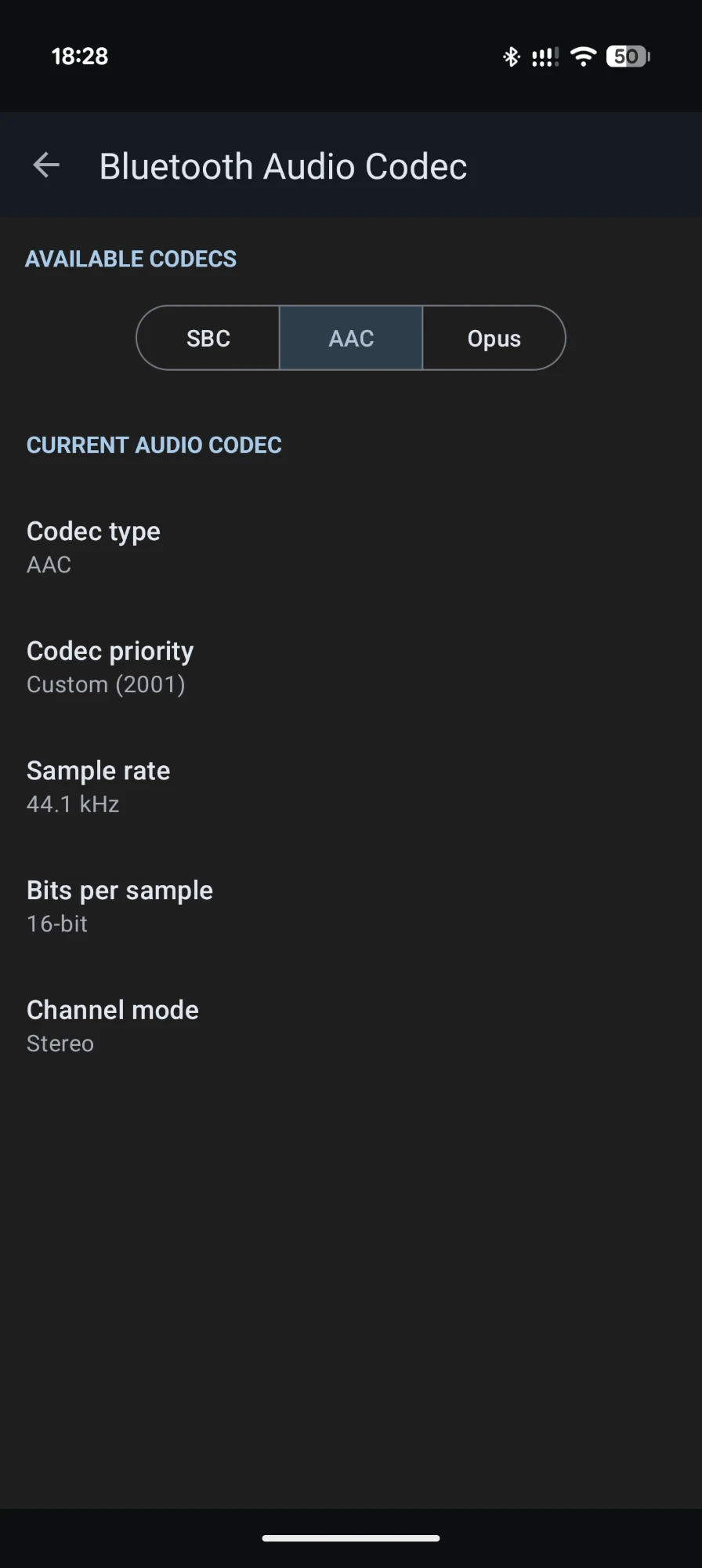
  • Codec viewing & switching needs Android 15
  • Devices must be paired first in Android's Bluetooth settings
Background connections can be stopped by aggressive battery savers. If connections become unreliable, turn off battery optimisation for the app — see dontkillmyapp.com.
FAQ

Frequently asked questions

Can the app pair new Bluetooth devices? +
No — the app connects to devices you've already paired. Scanning and pairing new devices has to be done once through Android's system Bluetooth menu. After that, the widget handles connecting and disconnecting.
Why can't the app turn Bluetooth on by itself? +
On Android 13 and later, Google no longer lets apps enable Bluetooth without a user confirmation. This is a platform restriction with no workaround, so you may be asked to confirm turning Bluetooth on.
The battery level isn't showing — why? +
Battery reporting depends on the device and the manufacturer. It requires Android 8.1 or later, and the device has to support it. Per-bud and case readings are available on a specific list of models, including Apple AirPods, Google Pixel Buds and several Samsung Galaxy Buds.
The selected app doesn't open when my device connects. +
Check the app's permissions. Some manufacturers (for example Xiaomi / MIUI) require extra permissions, and on Android 9+ the “Display over other apps” permission may be needed to launch another app on connect.
It stops working in the background after a while. +
This is almost always a battery-saver issue. Turn off battery optimisation for Bluetooth Audio Connect Widget in your system settings. The site dontkillmyapp.com has step-by-step instructions per phone brand.
Can it play to two speakers at once (dual audio)? +
Not generally. Connecting two speakers simultaneously is available only on a few Samsung phones and isn't exposed to third-party apps. Bluetooth LE Audio is expected to make this possible more broadly in the future.
Does it work with smartwatches or laptops? +
Those aren't controllable as audio devices and can only be used in shortcut mode. The app is built for A2DP / HFP / HSP audio devices — headphones, earbuds, speakers and car systems.
A device won't connect from the widget. +
First check whether it connects from the system Bluetooth settings. If it connects there but not from the widget, get in touch by email and we'll help track it down.
Download

Put your audio one tap away

Free on Google Play. Add a widget, tap, and listen — no account, no setup beyond the pairing you've already done.